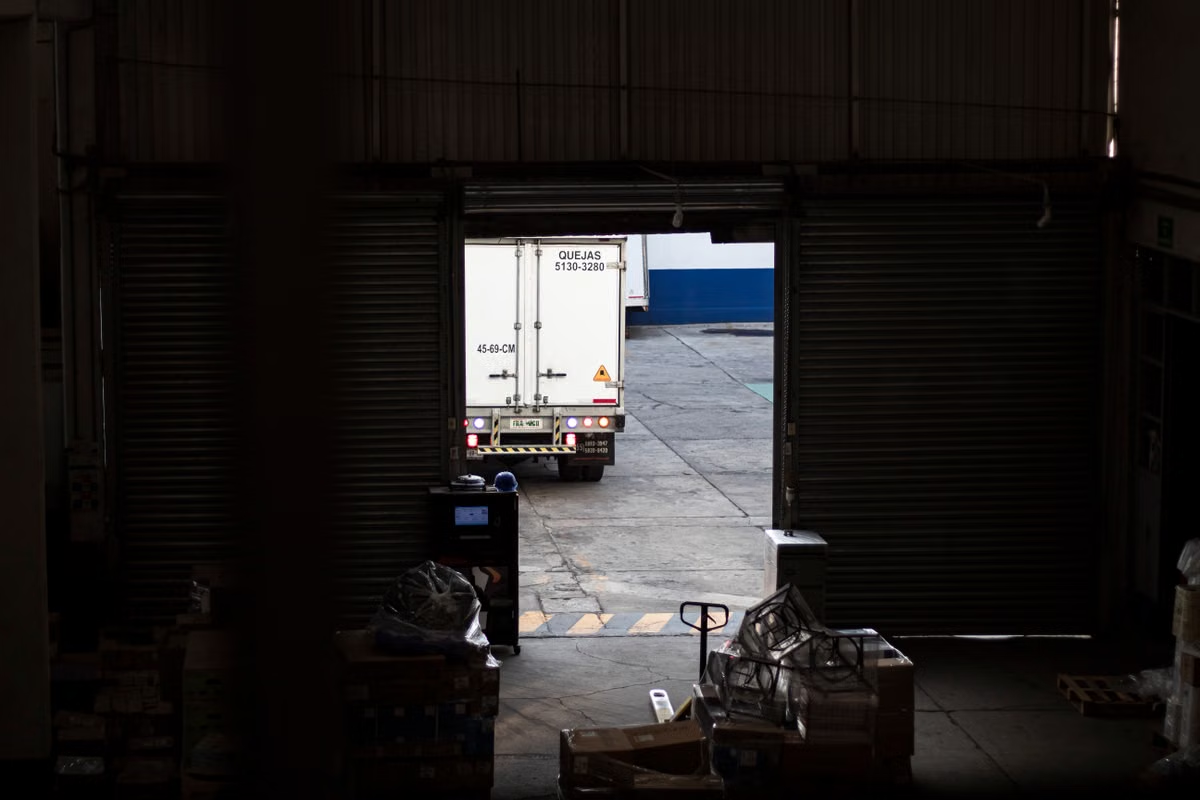
Amazon describes Remote Fulfillment with FBA as a way to use US FBA inventory to serve buyers in Canada, Mexico, and Brazil (Amazon’s program overview). That makes it a possible route for testing those markets, not an automatic yes for every seller or product. First verify your account and product eligibility, confirm a valid offer in the target marketplace, and compare the cross-border economics with local FBA or seller fulfillment. If any of those checks fail, do not enroll just because the setup looks simpler.
Who should read this: You already hold US FBA inventory and are weighing sales in Canada, Mexico, or Brazil.
You manage inventory, pricing, or marketplace operations and need to compare cross-border delivery with local stock or seller fulfillment.
Your team may also need to check how a target-market listing appears in a real macOS Safari browser.
Is Amazon Remote Fulfillment with FBA worth testing?
This week: Select a representative product group and verify eligibility, marketplace offers, and estimated costs in Seller Central. Test only if all three checks support it; otherwise compare local FBA or seller fulfillment before committing inventory or budget.
Amazon’s program materials describe the countries covered, but your decision depends on account-specific and product-specific status. Amazon also directs sellers to review program requirements and fees through its current information and Seller Central resources. Use your own account’s eligibility report and current fee information as the deciding evidence, rather than assuming a product qualifies because it is already active on the US store (Seller Central’s program guidance).
The key distinction is between a market test and a fulfillment strategy. Remote fulfillment can let you evaluate demand without first making a separate local-inventory decision. It does not, by itself, tell you whether the product will be eligible, whether the marketplace offer is ready, or whether your margin works after applicable costs.
That distinction matters because a listing being sellable in the US does not establish that it can be sold in another country. Your decision needs to account for each target marketplace, the product’s status there, and your fulfillment requirements. Amazon’s materials outline the program, but the result shown in your account is what you should use to evaluate your specific ASIN.
A scenario-based decision score
Use these conditions to decide what to investigate next. The ratings are decision prompts, not a score of Amazon’s performance.
- Strong candidate for a limited test: Your US FBA inventory is available, the product appears eligible in your account, the target marketplace has a valid offer, and your cost comparison supports the test.
- Pause and verify: Eligibility is unclear, the destination offer is missing or incomplete, or your fee estimate omits costs that may apply. Resolve those uncertainties before treating the market as launch-ready.
- Compare local FBA: You need stock positioned in the target market, or you need more control over where inventory is held and how orders are fulfilled. Review Amazon’s destination-market guidance before deciding how to supply that market.
- Compare seller fulfillment: The product is not suitable for the remote program, or you need to manage fulfillment through your own operations or logistics arrangement. Check the requirements and responsibilities for that route before relying on it.
- Do not use a Mac as a qualification shortcut: A remote Mac or US IP does not establish program eligibility, prove trade compliance, or replace Seller Central checks.
When does existing US FBA inventory make the program a sensible test?
This route is most worth evaluating when you already operate US FBA and can test a target market without treating every US product as a cross-border candidate. Start with a small, representative set of products that reflects your actual catalog and operating priorities. The set should help you check the workflow and economics; it should not be chosen only because those products are currently easy to sell in the US.
For each product, verify three separate things:
- Account and product status: Check the eligibility information available in your Seller Central account. Amazon’s help guidance is the reference for program requirements, but the status shown for your account and product is the practical check for your case.
- Target-market offer: Confirm that the product has an offer in the marketplace you want to test. Do not infer that an active US listing automatically becomes a complete, purchasable offer in Canada, Mexico, or Brazil.
- Market-specific economics: Use the target marketplace’s fee information and the assumptions relevant to your product. A positive US margin does not prove that a cross-border order will have acceptable economics.
Amazon’s Canada selling guidance describes different ways to sell and fulfill orders in that marketplace, while its Latin America guidance covers routes for Mexico and Brazil (Canada selling and fulfillment options, Mexico and Brazil market guidance). Read the guidance for the destination you are considering. Do not treat one market’s setup as proof that the same product or process will work in another.
A useful test record has a product identifier, target marketplace, eligibility result, offer status, fee assumptions, and a clear decision. Keep the assumptions visible. If your estimate later changes, you should be able to see whether the cause was a changed fee, a different price, or a new account status—not mistake the original estimate for realized profit.
Eligibility checks that should stop a launch
Some products or sellers may not meet program, trade, or destination-market requirements. Amazon’s official program and Seller Central materials are the right places to check current qualifications and restrictions; they do not justify a blanket conclusion that your product is allowed or disallowed without checking its actual status (Amazon program overview, Seller Central help page).
Treat uncertainty as a stop condition, not an invitation to assume the best. If a product appears restricted, has unclear eligibility, or may face destination-specific import or trade requirements, verify the relevant official requirements before planning a launch. This article does not determine legal, tax, customs, or import treatment for your product. Ask a qualified professional about obligations that depend on your product, business, or destination.
A US IP address, a Mac, or a successful browser session cannot prove a product is compliant or approved for the program. Those tools do not replace account-level eligibility checks, marketplace requirements, or professional advice. Keep those workstreams separate: use Seller Central and official market guidance for eligibility and fees; use a browser only when you need to inspect the buyer-facing page.
If an eligibility result is missing or ambiguous, record what your account shows and seek clarification through the appropriate official support route before adding the product to a test. If the product is not a fit, move on to a local-inventory or seller-fulfilled comparison rather than repeatedly checking the same uncertain assumption.
Fulfillment alternatives when you need more control
Amazon’s global-selling materials describe alternatives to Remote Fulfillment with FBA, including local fulfillment options and seller-fulfilled routes. The operational difference is where inventory sits and who manages the order path. The right choice depends on the product, your capacity to handle fulfillment, the target-market requirements, and the costs shown for your situation—not on a promise that one route is always cheaper or faster (Amazon’s US-to-international selling overview).
- Remote Fulfillment with FBA: You evaluate eligible US FBA inventory for cross-border orders. It can be relevant when you want to test a target market without first choosing a local-stock strategy. You still need to verify eligibility, the destination offer, and current costs.
- Local FBA: You consider placing inventory in a target-market fulfillment network. This may better match a plan that needs local inventory positioning or more deliberate control over the supply route. Review the destination market’s requirements and operating implications before choosing it.
- Seller fulfillment: You manage the order fulfillment process through your own operation or a logistics provider. That can offer a different level of operational control, but it also means you must assess your capacity and responsibilities instead of assuming Amazon’s fulfillment network will handle the same work.
To compare fairly, use the same product, target marketplace, price assumption, and order scenario for each route. Include only costs you can verify for that route. Don’t compare a complete remote-fulfillment estimate with an incomplete local-fulfillment estimate, or treat a planning calculation as an actual order result.
Fee verification and a comparable cost estimate
Amazon’s fee-estimation resources provide a starting point for checking costs. The Remote Fulfillment fee information and the general estimate tool should be read alongside the charges shown for your account and target marketplace (Remote Fulfillment fee guidance, Amazon fee estimate tool). The estimate is not a guarantee of your actual profit, and it does not settle tax or other obligations.
Follow this sequence:
- Choose a product and market. Record the product you are assessing and whether the destination is Canada, Mexico, or Brazil. Keep the market-specific review separate so you do not blend one destination’s assumptions with another’s.
- Check account and product eligibility. Open the current Seller Central guidance and the eligibility information available in your account. Save the status or note what remains unclear.
- Confirm the marketplace offer. Inspect the target-market listing or offer status. If it is absent or incomplete, resolve that issue before treating the product as ready for a sales test.
- Collect current cost inputs. Review the applicable destination-market selling and fulfillment fees in Amazon’s current resources and account tools. Note the date you checked them if your team needs to revisit the decision later.
- Build comparable route assumptions. Estimate the same product and sales scenario for Remote Fulfillment, local FBA, and seller fulfillment where those routes are available to your business.
- Make a conditional decision. Test only if the product status, offer, and economics are acceptable for your business. If one fails, pause or compare another route rather than relying on the most convenient setup.
- Review results against the assumptions. If you proceed, compare actual orders and costs with your estimate before expanding the test. Keep estimates separate from realized results and from any tax or compliance conclusions.
A clear decision note can be brief: product, destination, current eligibility status, offer status, cost assumptions, preferred fulfillment route, and unresolved questions. This helps inventory and pricing teams work from the same facts without turning a rough estimate into a launch commitment.
A separate macOS Safari check for buyer-facing pages
Joining a fulfillment program and reviewing the buyer-facing product page are different tasks. Program eligibility and cost checks belong in Seller Central and Amazon’s official fee resources. A browser check is useful only if your team has a specific reason to inspect the destination-market page as a buyer might see it—for example, to review the page presentation in macOS Safari.
Keep that review focused. Record the target marketplace, product, browser environment, access conditions, and what you observed. Do not use a page view as evidence that the ASIN is eligible, that an order can be fulfilled, or that a product meets import or trade requirements. If your team only needs to check qualifications and fees, a separate Mac session is not necessary.
If you need to plan a real browser review, first define the environment and acceptance criteria. The OSXBuild remote access guide can help you assess whether a remote Mac fits that task. If your team needs to clarify whether a temporary environment suits its review process, you can also contact OSXBuild with the task requirements. If your team has no specific macOS or Safari check to perform, use the official Seller Central reports and fee tools instead.
Frequently asked questions
Which sellers are a good fit?
The strongest candidates already use US FBA, can verify that their product and account are eligible, and can confirm a target-market offer. They should also be able to compare the estimated cross-border costs with other fulfillment routes. If you need inventory in the destination market or more direct control over fulfillment, compare local FBA and seller fulfillment rather than assuming remote fulfillment is the default.
Can US inventory serve Canada, Mexico, and Brazil?
Amazon describes the program as using US FBA inventory to serve buyers in Canada, Mexico, and Brazil. That describes the program’s stated market scope, not an automatic approval for every seller, product, or offer. Check your account’s actual eligibility information and the destination marketplace offer before making a listing or inventory decision.
What is the difference from local FBA?
Remote fulfillment uses eligible US inventory for cross-border orders. Local FBA involves inventory held in a destination-market fulfillment network, while seller fulfillment leaves the order operation to you or your logistics arrangement. Compare inventory location, operational control, current fees, and destination requirements for the product and market you are evaluating.
How do you judge whether the fees are worthwhile?
Compare routes using the same product, market, price assumptions, and order scenario. Review current marketplace fees and any other costs that apply to your business, then check whether the resulting estimate meets your own margin requirements. An estimate supports a decision; it is not actual profit, a tax conclusion, or a promise of future order costs.
If your eligibility, target offer, or cost estimate is uncertain, pause before treating Remote Fulfillment with FBA as a launch plan. If all three check out, a limited test may help you evaluate a market without confusing initial access with proof of long-term economics. For a team that also needs a real macOS Safari review, assess a remote Mac only for that separate browser task; OSXBuild offers remote Mac access for teams that need a temporary macOS environment.
Frequently asked questions
Which sellers are a good fit for Remote Fulfillment with FBA?
It is worth evaluating if you already use US FBA, your products show eligible in your account, and you can verify a target-market offer and its economics. Treat it as a controlled market test, not a shortcut that makes every US listing available abroad. If you need inventory positioned locally or tighter control over fulfillment, compare local FBA and seller-fulfilled options first.
Can US FBA inventory serve customers in Canada, Mexico, and Brazil?
Amazon describes Remote Fulfillment with FBA as a program that uses US FBA inventory to serve buyers in Canada, Mexico, and Brazil. That program scope does not mean every seller or ASIN qualifies, or that a US offer automatically appears as a valid offer in each marketplace. Check your Seller Central eligibility status and the target marketplace offer before making a launch decision.
How is Remote Fulfillment with FBA different from local FBA?
Remote Fulfillment uses eligible US FBA inventory for cross-border orders. Local FBA involves placing inventory in the target market's fulfillment network, while seller fulfillment leaves order handling with you or your chosen logistics provider. Those paths differ in inventory location, operational control, and the costs you need to compare. Review Amazon's current market guidance and your account details before choosing.
How can I tell whether cross-border fees leave enough margin?
Use the same product, sale price assumptions, and order scenario for each fulfillment route. Check the target marketplace's current referral and fulfillment charges, along with any other costs that apply to your product and business. Then compare the result with local FBA and seller fulfillment. Treat a fee estimate as a planning input, not a promise of actual profit or tax treatment.
Validate Your Cross-Border Workflow on a Dedicated Mac
Rent a dedicated physical Mac from OSXBuild to review browser-based seller workflows without buying hardware.
Choose a cloud Mac plan